
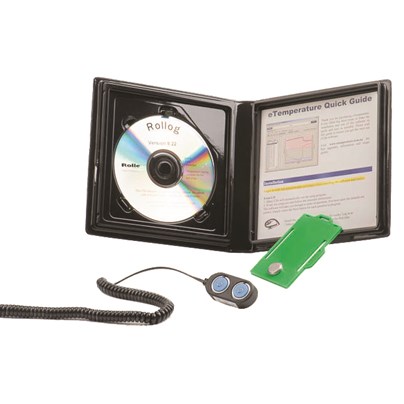
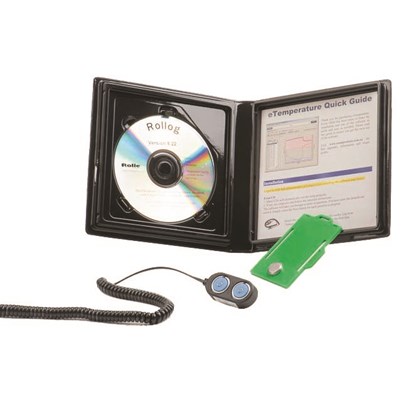
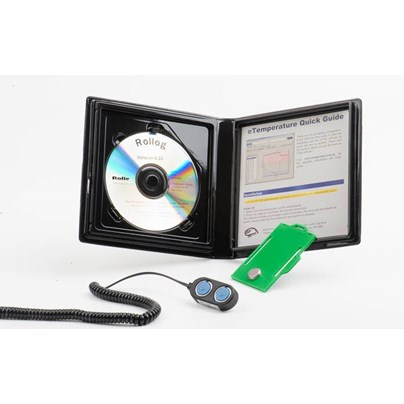
Automatically record temperatures in your vaccine fridge 24 hours a day, 7 days a week.
Features
- Quick and easy to use
- View temperature results as a graph with zoom functionality
- View recorded data in a table and export it to Microsoft Excel
- Free software upgrades
- Reliable data logging — readings cannot be manually altered
Benefits
- Save time by removing the need to manually record temperatures each day
- Save money with a detailed temperature history to help assess whether goods need to be discarded following an incident
- Reduce stress by providing confidence that your vaccine fridge is operating as expected
- Protect your reputation with reliable records that demonstrate correct temperature management and help identify issues quickly
Storing vaccines
Vaccines must be stored between 2°C and 8°C. Vaccine fridges have a number of extra
features to ensure that this occurs. These features include microprocessor control, fan forced cooling, temperature display and audible alarms.
What is a temperature logger?
A temperature logger will automatically record the date, time and temperature and store it in memory. These results can then be downloaded to a computer for viewing, saving and analysis.
Temperature loggers are ideal for monitoring the transport and storage of temperature sensitive products such as vaccines, medicine, and pathology samples. They can also monitor processes such as freezing, washing, sterilising, and incubating.
After a disaster
You return to the pharmacy after a public holiday. The fridge is reporting an alarm. Do you keep the stock or discard it? With a temperature logger you know when the problem happened, for how
long, and how hot/cold the vaccines became. These are the critical pieces of information required in deciding whether to keep or dispose of stock. So you can be trading immediately, or you can be disposing of stock that is compromised. But you won’t be throwing out good stock, or selling bad.
When being audited
An independent, 24 hours a day/7 days a week log of your vaccine fridge is the best way to prove that your vaccines were always stored at the correct temperature.
What Next
Once you have uploaded the readings from the logger there are many tools to make the most of the data such as:
• A graph and table display
• A range of reports to print out
• Export results to the clipboard, Microsoft Excel, Microsoft Word, csv files, graphical files
• Save results for later use
• Email results to others